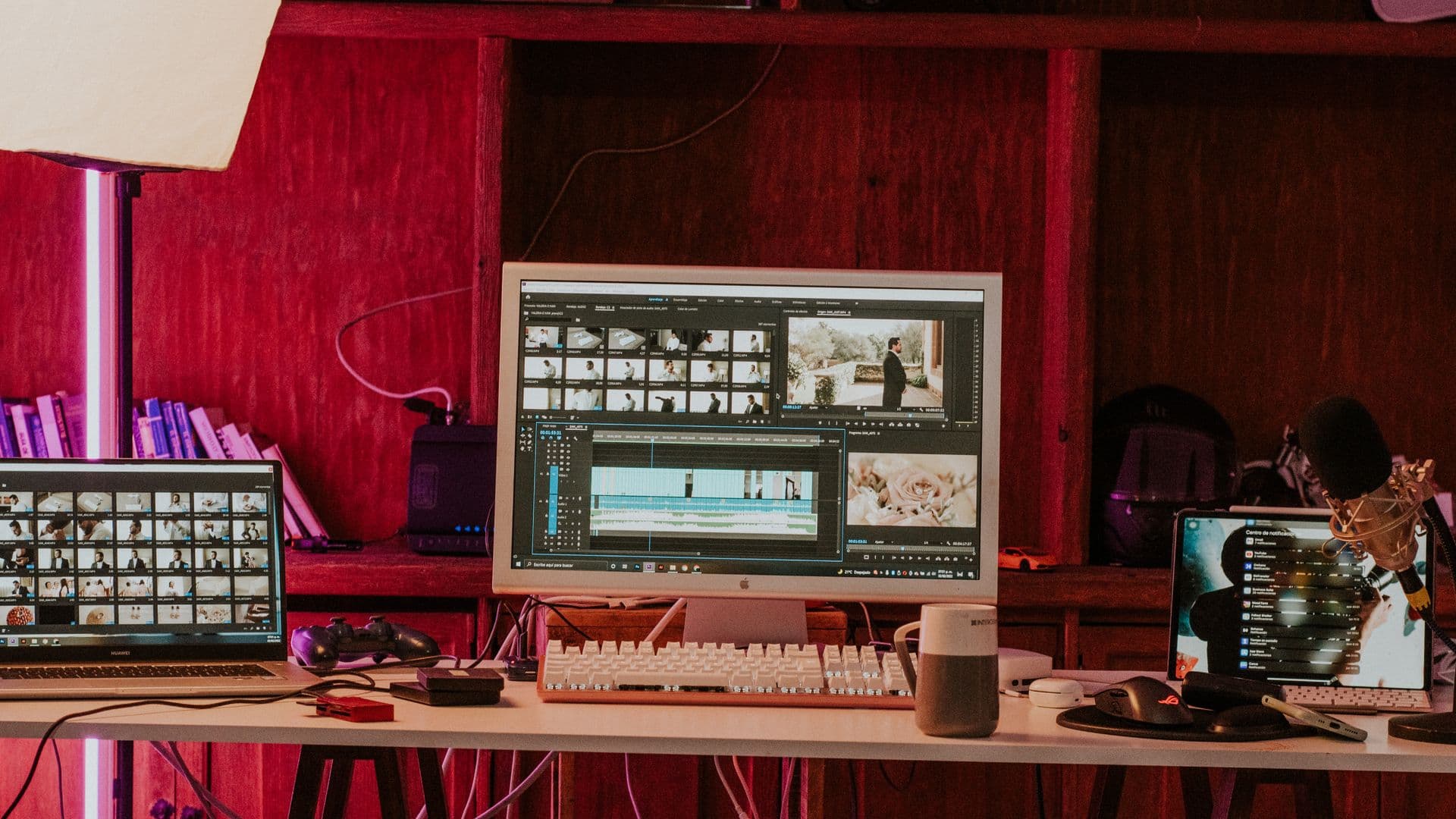
A video editing brief turns a folder of footage into a defined job. It tells the editor what the viewer should understand, where the video will appear, which material is available, and what the finished delivery needs to include.
Without those decisions, the first cut has to answer two questions at once: what the video should be and how it should be edited. A useful brief settles the first question before editing starts.
An editing brief is not the same as a campaign brief
A campaign brief explains the offer, audience, message, approved claims, and action you want the viewer to take. Our ad creative brief guide covers that wider job.
A video editing brief starts one step later. The footage already exists. The editor needs to know what is in it, which moments matter, how the piece should feel, which versions are required, and who will approve the work.
For a straightforward project, the brief can fit on one page. The important part is not its length. It is whether the editor can begin without inventing missing decisions.
1. Start with the job the video has to do
Write the objective as one sentence. Describe the outcome, not the file.
"A 30-second vertical video" is a format. "Introduce the product to buyers who have not seen it before" is an objective. The objective helps the editor decide what needs context, what can be cut, and what deserves the most time on screen.
Add three supporting details:
- Audience: Who is expected to watch?
- Placement: Where will the video appear?
- Main takeaway: What should the viewer understand or do next?
Placement matters because the same footage may need a different opening, pace, crop, and text treatment for a paid feed, a YouTube video, or a website page.
2. Inventory the footage before handing it over
List what the editor will receive. This may include interviews, product footage, screen recordings, podcast recordings, UGC, still images, music, or an existing voiceover.
If your team already knows which moments must appear, include selects or timecodes. They do not need to be polished. Notes such as "use the answer at 12:40" or "do not use take three" remove avoidable searching and make the creative priority clear.
The amount of selection work also changes the scope. A short-form edit may begin with an hour-long recording and require the editor to find several self-contained moments. A long-form edit may use the same recording but keep the full argument and improve its structure, pacing, and clarity.
Your footage list should answer:
- What files are included?
- Are the files named or grouped by scene, speaker, or date?
- Are selects or timecodes available?
- Is any footage required, rejected, or off-limits?
- Are transcripts or scripts included?
3. Give direction that can be acted on
Send the brand assets needed inside the edit: logos, fonts, colour values, lower-third styles, product images, approved music, and any existing motion templates.
Reference videos help when they come with a note. A link by itself still leaves the editor guessing. Explain whether you are pointing to the reference for its pacing, typography, framing, sound design, transitions, or overall restraint.
Tone notes should be concrete enough to affect a decision. "Premium" can mean many things. "Slow pacing, minimal on-screen text, no meme effects" gives the editor boundaries they can use.
4. Define every deliverable before the sequence is built
List the versions you expect at the end. Include the runtime, aspect ratio, placement, captions, and any required master file.
A simple deliverables list might look like this:
This is also where you should state whether the edit must work without sound, whether licensed music has already been selected, and whether exact claims or disclaimers must appear on screen.
If your team has technical delivery requirements, add the resolution, frame rate, file format, naming convention, and folder structure. If it does not, name the platform and ask the editor to confirm the export specification before work begins.
5. Put review ownership and timing in writing
Name the person who can approve the final direction. Other stakeholders can contribute, but the editor needs one consolidated set of notes when feedback conflicts.
Define the review method as well. Timecoded comments in a review link or shared document are easier to apply than notes spread across calls, chat messages, and email threads.
Record these dates separately:
- First-cut delivery
- Feedback due from your team
- Revised-cut delivery
- Final handover
The number of revision rounds should match the agreed scope. Do not rely on an assumed industry default. Write down what is included and what would count as a new direction.
A real handoff: the Taurex Academy course
For the Taurex Academy course, Versmos received recorded presenter footage for seven modules, the script that accompanied each module, and Taurex brand assets.
That handoff established the message and the available material before the edit started. Because every script arrived with its footage, the team could read all seven modules first and see which concepts recurred. From those inputs, Versmos built a reusable set of motion components and used it to carry the explanations across the full course. Where the footage could not show an idea, motion graphics carried it.
The useful lesson is not that every brief needs the same asset list. It is that the brief should expose what exists, what is missing, and which decisions have already been approved.
Copy-and-paste video editing brief template
Use the fields that apply to your project and delete the rest.
PROJECT
Project name:
Objective in one sentence:
Target audience:
Placement or channel:
Main takeaway:
Call to action, if any:

SOURCE MATERIAL
Footage folders or links:
What each folder contains:
Selects or timecodes:
Required footage:
Rejected or off-limits footage:
Script or transcript:

CREATIVE DIRECTION
Reference video link:
What to follow from the reference:
Tone and pacing notes:
Brand assets included:
Music or sound direction:

DELIVERABLES
Version 1: placement / ratio / runtime
Version 2: placement / ratio / runtime
Captions: burned in / SRT / none
Sound-off requirement: yes / no
Claims or disclaimers:
Technical export requirements:
File naming and handover method:

REVIEW
Approval owner:
Where feedback will be submitted:
Revision rounds included:
First-cut date:
Feedback due:
Revised-cut date:
Final handover date:
Common video editing brief questions
What should a video editing brief include?
At minimum, include the objective, audience, placement, footage inventory, creative reference, required deliverables, approval owner, and deadline. Add technical specifications or compliance language when the project needs them.
Do I need to provide selects and timecodes?
No, but include them when your team already knows which moments matter. If finding the story is part of the editor's job, state that clearly so the selection work is included in the scope.
Which formats, captions, and aspect ratios should I specify?
List every placement and deliverable your team needs. For each one, name the ratio, runtime, and whether captions should be burned in, supplied separately, or omitted. If a publisher or media buyer has technical specifications, attach those too.
How does Versmos agree schedules, approvals, and revision rounds?
The schedule is set from the runtime, amount and condition of the footage, graphics load, and review plan. We agree the approval owner and revision structure against the approved brief before work starts, then re-scope a new direction openly if the brief changes.
If your footage exists and you need a team to shape it into short-form, long-form, or paid creative, tell Versmos what you are working with.