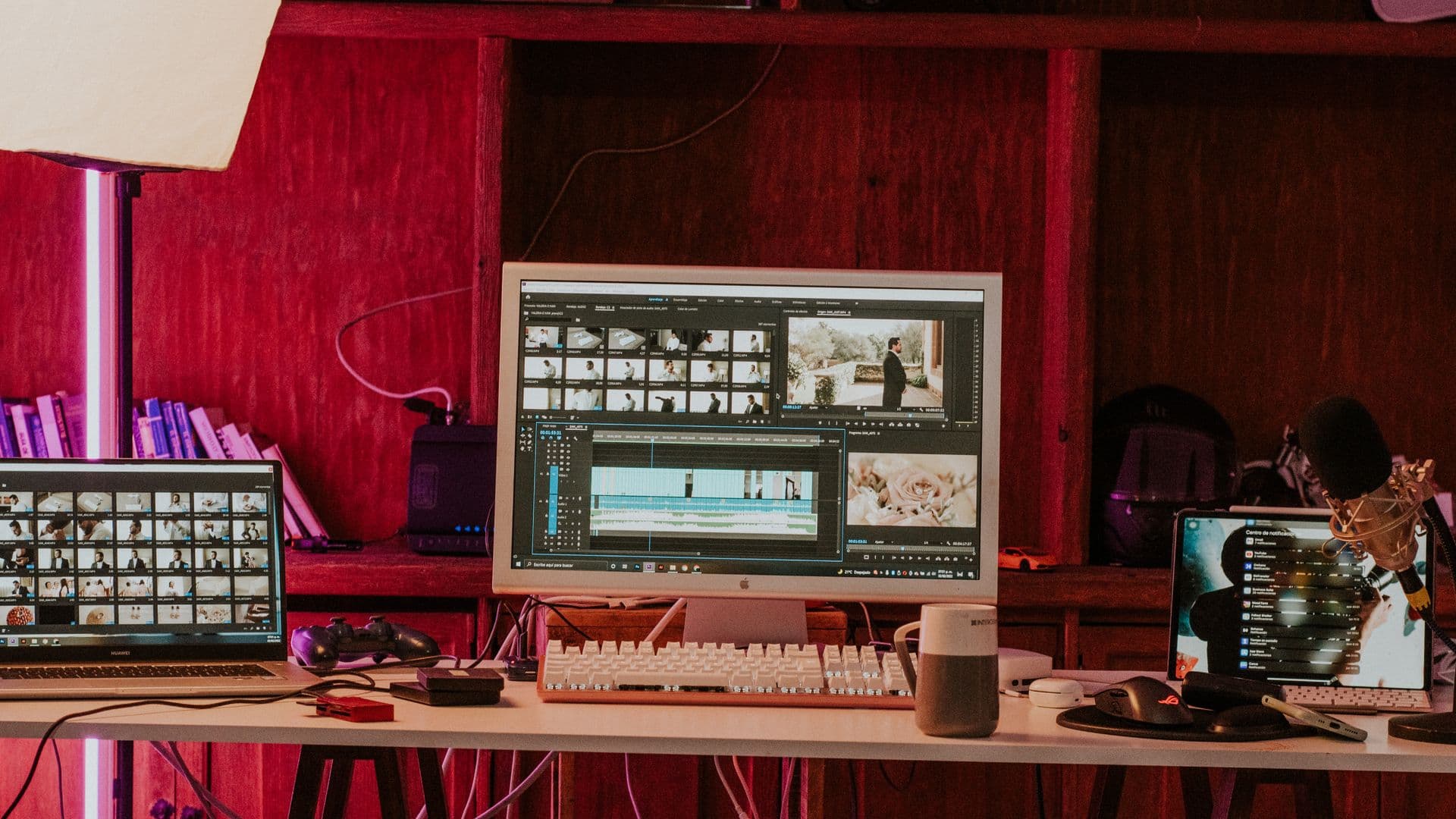
Outsourcing video editing works best when it removes production pressure without removing visibility. Your team should know what is being edited, what decision comes next, and which files will arrive—even when someone outside the company is doing the work.
The difficult part is rarely finding a person who can cut video. It is building a handoff that produces the same standard across the fifth video, the fiftieth revision note, and the next campaign.
This guide assumes the footage already exists. If you still need a crew, location, or shoot, start with our guide to choosing a video production agency. If the raw material is ready, use the seven steps below.
When it makes sense to outsource video editing
Outsourcing is useful when the constraint is editing capacity rather than filming. Common signs include:
- Recorded interviews, podcasts, webinars, product clips, or UGC are waiting in a drive.
- One internal editor is supporting more formats than one workflow can comfortably hold.
- Paid campaigns need genuine creative variants, not one master file resized several times.
- Long recordings need to become both full episodes and short-form clips.
- An agency has sold client work but needs the production delivered under its own name.
- The volume changes from month to month, making fixed internal capacity a poor match.
It is less useful when nobody has decided what the video is for, the available footage cannot support the idea, or every stakeholder expects to direct the edit independently. Those are decision problems. Outsourcing them only moves the confusion into someone else's inbox.
Step 1: define outputs before discussing style
Begin with a delivery list. Name every required file rather than asking for “a video.”
For each output, specify:
- Purpose and destination: paid ad, organic social, YouTube, website, sales, or internal use.
- Runtime or acceptable range.
- Aspect ratio and orientation.
- Caption treatment and whether a separate caption file is needed.
- Any cutdowns, hook variants, thumbnails, or clean versions.
- The person who gives final approval.
- The date the file is needed and any earlier media or review deadline.
This list sets the real scope. A 60-second master plus three platform versions is not one deliverable just because the message is shared.
Step 2: audit the footage and assets you already have
Send full recordings rather than trimming them down before the editor sees them. A clean transition often depends on the seconds around a selected line, and those handles disappear when footage is pre-cut too tightly.
Before handoff, check for:
- All camera angles and separate microphone tracks.
- Product footage, screen recordings, B-roll, photographs, or UGC referenced in the brief.
- Logos in usable vector or high-resolution formats.
- Brand fonts, colours, lower thirds, end cards, and previous approved work.
- Scripts, transcripts, talking points, and approved claims.
- Music, stock, talent, or usage restrictions the editor needs to respect.
When an asset is missing, say so. Motion graphics can carry a script beat that footage does not cover, but only when that is an intentional production decision rather than a surprise discovered during the first cut.
The Taurex Academy course is a practical example. The handoff contained recorded video for seven modules, the script for each one, and the brand's assets. Because the scripts arrived with the footage, the recurring ideas were visible from the start, so motion graphics could be planned as one reusable system instead of being used to hide gaps.
Step 3: choose the right kind of editing partner
A freelancer can be a strong fit for a defined format and predictable volume. An ongoing team becomes more useful when the work needs backup capacity, several disciplines, multiple brands, or a reusable system that cannot live with one person.
Ask potential partners:
- Have you edited this format from supplied footage before?
- Can you show work built for the same viewing context?
- Who receives the files and who owns communication?
- Can the same team handle motion graphics, captions, audio cleanup, and variants when needed?
- How is the visual system documented so later videos remain consistent?
- What happens when volume increases or the usual editor is unavailable?
Marketing agencies should also decide whether the partner is visible to the client. A white-label production arrangement needs clear rules around naming, communication, portfolio use, and internal deadlines before the first file is exchanged.
Step 4: turn the brief into a repeatable system
A useful editing brief is a decision document, not a collection of adjectives. It should state:
- The audience and what they should understand or do.
- The single message this edit must carry.
- The required outputs and placements.
- The source material that must appear.
- The approved claims, offers, disclaimers, and calls to action.
- One or two references with a note explaining what is useful about each.
- The approver and review method.
Our creative brief for video template provides a fuller structure. For a recurring series, add the repeatable rules: intro length, lower-third treatment, caption style, music approach, thumbnail handoff, folder names, and export names.
Those decisions should survive beyond one editor. The aim is a small operating system for the content, not a preference list that has to be rediscovered every week.
Step 5: organize the handoff so nothing has to be hunted down
Use one project folder with a predictable structure. For example:
- Brief and script
- Raw video
- Audio
- Brand assets
- References
- Licensed assets and usage notes
- Review exports
- Final delivery
Keep filenames descriptive and stable. “Founder-interview-camera-a-01” is useful. “final-final-use-this-one-2” is not.
For a series, agree the structure once and reuse it. The Taurex Academy course arrived as seven modules with matching scripts. Reading the full set before designing any one module made it possible to identify repeated concepts and build a consistent motion system across the course.
Step 6: consolidate feedback into decisions
The review process should identify one owner on the client side. That person gathers comments, resolves contradictions, and returns one reconciled set of notes.
Useful feedback points to the brief:
- “This opening does not establish the problem named in the brief.”
- “Use the approved product term from the script.”
- “The end card needs the call to action approved in the brief.”
- “The vertical version hides the product behind the interface.”
Less useful feedback gives a reaction without a decision: “make it pop,” “try something else,” or several stakeholders proposing different directions in separate threads.
Agree what counts as a correction and what counts as a new direction. A revision fixes the work against the approved brief. Changing the audience, message, script, or deliverable after editing begins is a scope change and should be handled openly.
Step 7: verify the delivery and retain the system
Check final delivery against the list from step one. Confirm filenames, runtimes, dimensions, captions, audio, links, and version labels before closing the project.
Also confirm where reusable assets live:
- Approved graphics and templates.
- Brand files supplied by the client.
- Final caption files and transcripts.
- Music and stock licence records.
- Native project files when included in the agreement.
- A short note recording any format-specific decision the next edit should repeat.
That final note is what turns a finished project into a faster next project.
Outsourced video editing checklist
Before editing starts:
- Every output and placement is named.
- Full footage, audio, scripts, and brand assets are available.
- Missing footage or graphics are identified.
- One person owns approval.
- Review rounds and scope changes are defined.
- Delivery and project-file expectations are written down.
- Folder and filename conventions are agreed.
- The partner has relevant work for the format and viewing context.
Outsource video editing as a system and the external team becomes easier to manage, not harder. If you already have footage and need it turned into recurring social, long-form, testimonial, or campaign assets, explore Versmos video editing services or apply with the formats you need.